Backlink Checker Guide: How to Audit Your Links in 7 Steps

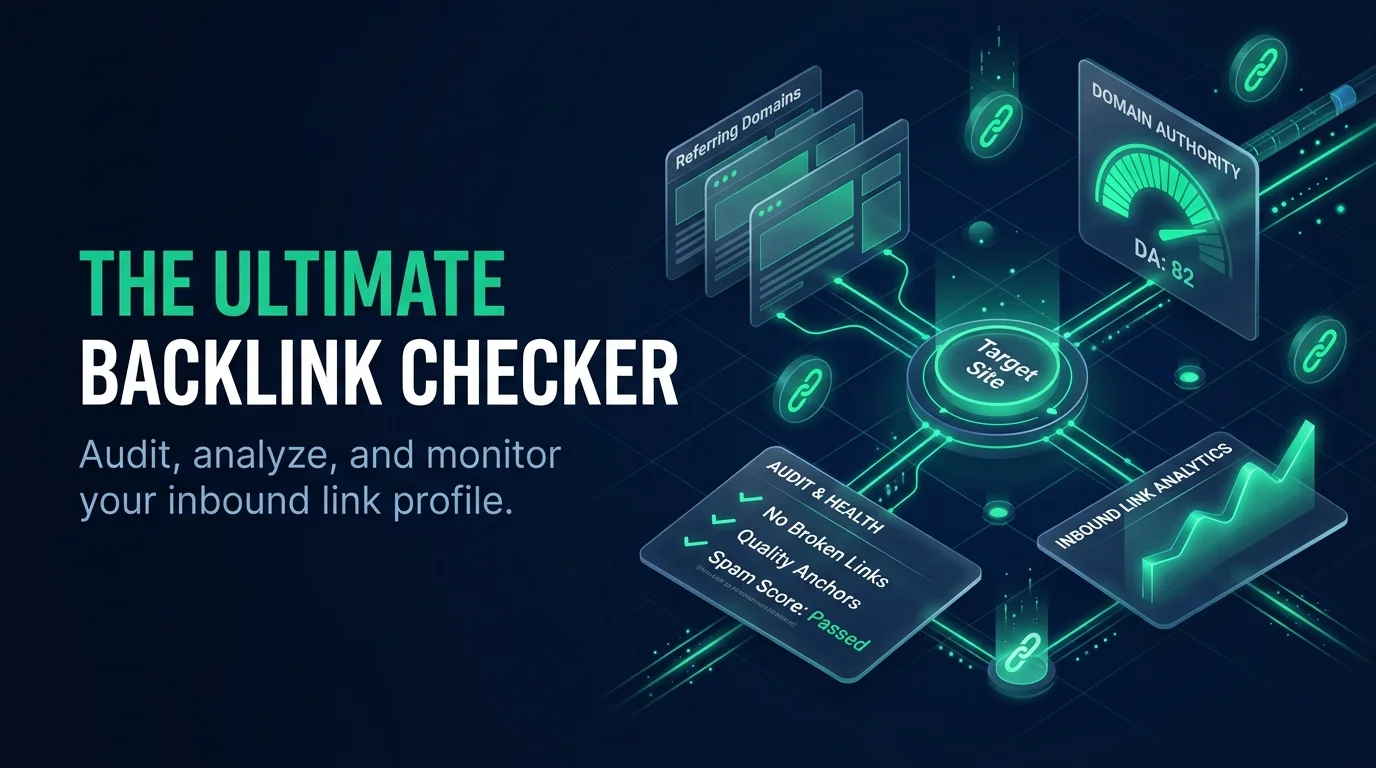
A backlink checker shows you which sites link to yours, how strong those links are, and which ones might be risky. Run one monthly, confirm what you find in a second tool, and only disavow links if you've bought them or got a manual action. A paid tool is worth it if links drive your traffic or income.
What Is a Backlink Checker?
A backlink checker is a tool that finds every inbound link pointing to your site and reports on its quality. Think of it as a mirror for your backlink profile. It shows you who links to you, from which page, and with what anchor text.
I use one on every project I run.
Sounds simple, right? It is. But the data inside it is gold.
How a Backlink Checker Works
Behind the scenes, these tools behave like mini search engines. Ahrefs, for example, runs its own crawler and says its index refreshes every 15 minutes. You then search any domain and filter what comes back.
Here's the flow:
A bot crawls pages and pulls out their links.
The tool scores each link and each referring domain.
You search a domain and filter by dofollow, nofollow, or platform.
You export the list for reports or outreach.
The Backlink Metrics That Actually Matter
Before you click anything, you need to know what the numbers mean. Otherwise, you'll stare at a dashboard and learn nothing. Every vendor invents its own link authority score, so a 70 in one tool means nothing in another.
So let me break down the big ones. Stick with me here, because this is where most beginners get lost.
Domain Rating and Authority Score
Ahrefs calls its measure Domain Rating (DR), its gauge of a site's "backlink popularity." Semrush uses Authority Score instead. It even labels some domains "link farm" when they belong to networks that link to each other.
Different names, same job. Use them to rank your link sources, not to predict rankings.
Trust Flow and Citation Flow
Majestic separates quality from quantity. Trust Flow reflects link quality, while Citation Flow reflects link volume, both scored 0 to 100. Majestic launched these metrics in 2012, according to AgencyAnalytics.
Here's a handy rule from Majestic itself. When Trust Flow falls below half of Citation Flow, it's time to review that site.
Toxicity Score and Spam Score
Semrush's Backlink Audit rates links from 0 to 100 for toxicity, using 45+ toxic markers, per its knowledge base. Semrush's own guide treats 0 to 44 as non toxic. Moz offers a Spam Score too.
But remember: Moz's support team says a high score doesn't prove a site is spammy. Treat these as an investigation list, never a verdict.
Metrics at a Glance
Metric | Tool | What it tells you |
|---|---|---|
Domain Rating | Ahrefs | Overall backlink strength of a domain |
Authority Score | Semrush | Link profile plus traffic quality |
Trust Flow and Citation Flow | Majestic | Link quality vs link volume |
Toxicity Score (0 to 100) | Semrush | Which links deserve a manual review |
Spam Score | Moz | Similarity to sites Google has penalized |
Backlink Checker Step by Step: How to Audit Your Links
Now let's get practical. This is the exact routine I follow, and it takes about twenty minutes once you've done it a couple of times. The first run will take closer to an hour, so block out some focus time.
Ready? Here we go.
Enter your domain into your backlink analysis tool and open the overview.
Check referring domains first. Unique domains beat raw link counts, because diversity matters more than volume.
Sort by authority. Find your strongest links and thank those site owners.
Study your anchor text. Repetitive, keyword stuffed anchors can look manipulative.
Open the new and lost tabs. A sudden drop in referring domains deserves a closer look.
Cross check a second tool. Indexes differ, so results will too.
Make a short action list. Write down links to keep, links to chase, and links to investigate.
Want to go further? Run the same audit on a rival's domain. My guide to competitive intelligence for SEO shows you how to turn competitor backlinks into a link building plan.
Should You Disavow Bad Backlinks?
Here's where people panic. They see a scary score, and they rush to disavow. Slow down, because this step can backfire if you get it wrong. Google built the disavow tool for specific situations, not as routine maintenance.
So let me show you when it's actually worth using.
What Google Says
Google's disavow documentation says to use the tool if you have a manual action, or think one is coming because of paid links or link schemes. You upload a text file with one URL or domain: entry per line. And Lumar's notes on Google's SEO office hours say Google is now far better at ignoring junk links.
My Three Question Disavow Rule
Before I disavow anything, I ask myself three things:
Did I (or an SEO I hired) build or buy this link?
Do I have a manual action, or a clear risk of one?
Did I already try to get the link removed?
If the answer to all three is no, I leave it alone. One yes means I investigate. Two or more means I clean up.
Also, a blind disavow can remove links that were helping you. That's why I never trust a score on its own.
How Accurate Are Backlink Checkers?
Honestly, no tool sees the whole web. Each one crawls its own slice, which is why two reports on the same site rarely match. That gap isn't a bug. It's the reason you should compare at least two tools before making any big decision.
Here's what the published numbers show.
In one published comparison by Experte, Ahrefs found an average of 5,627 referring domains. Semrush ranked third out of nine tools for the number of referring domains it found, even though it topped the overall test. Ahrefs, meanwhile, says its own index holds 475 billion pages.
Bottom line? Treat any single report as a strong estimate, not a final count.
Free vs Paid Backlink Checkers: Why I'd Buy
Free tools are fine for a quick peek. But they cap your data and hide the best reports. If links drive your traffic or income, that limit costs you more than a subscription ever will.
Let me show you the trade off side by side.
Free checkers | Paid tools | |
|---|---|---|
Data depth | Limited samples | Full link lists and history |
Competitor research | Basic or none | Gap analysis and comparisons |
Spam and toxicity audits | Rare | Built in (Semrush) |
Exports and reporting | Often locked | CSV and PDF |
Cost | $0 | Ahrefs lists plans from $29/month |
Still weighing the budget? My breakdown of how much SEO costs helps you decide where a backlink tool fits.
Which Paid Tool Would I Buy?
If you want one subscription for audits, cleanup, and link building research, I'd buy Semrush. Its Backlink Audit flags risky links, and you can send a disavow file to Google without leaving the tool. If you mostly chase competitor backlinks, buy Ahrefs. If you want a link focused specialist, Majestic is the pick, thanks to its Topical Trust Flow. And SE Ranking analyzes each link against 15+ parameters.
Any of them pays for itself the first time it spots a link you'd have missed. So don't wait for your rankings to slip before you buy.
Frequently Asked Questions
Short answers, because you're busy. Each one is written so you can read it in ten seconds and get the point. If you want more depth, the sections above cover each topic properly.
How often should I run a backlink check?
Monthly works for most sites, and weekly is smarter during an active link campaign. Regular checks help you catch lost links and sudden spam early. Set a calendar reminder so you don't forget. A short, repeated audit beats one giant cleanup every year.
Are free backlink checkers accurate?
They show part of the picture, not all of it. Every tool crawls its own slice of the web, so counts differ between vendors. Use a free tool for a quick look, then confirm anything important in a second, paid tool before you act on it.
Is a high spam score a Google penalty?
No. Moz's Spam Score is Moz's own estimate, and Moz's support team says a high score doesn't prove a site is spammy. Google doesn't use it. Treat it as a flag to investigate, then judge each link on its relevance and quality.
Do nofollow links matter?
Yes, they still matter for a natural backlink profile. Ahrefs shows followed and nofollowed links side by side, and Moz's team says nofollow links are weighted in Domain Authority too. A healthy profile has a mix, so don't ignore them.
When should I disavow a link?
Only if you built or bought the link, or you have a manual action. Google's documentation says the tool is for those situations. Otherwise, leave the link alone, because disavowing a good link can hurt you.
Your Next Move
So here's the deal. A backlink checker isn't a vanity gadget. It's how you protect your domain authority, find link building opportunities, and catch trouble early.
Pair it with the right tooling. My roundup of the best AI SEO analysis tools will help you build a full audit stack around your backlink data. And since AI search is changing how content gets found, read GEO vs SEO to see how both strategies fit together.
Don't wait for a ranking drop to find out what's wrong. Pick a paid tool today, run the seven steps above, and fix what you find.
Written by
Alex
Creative blogger sharing insights, stories, and fresh ideas.