Best Apps for Time Management in 2026: The Honest Guide


The best Apps for time management depends on your problem. Use Todoist or TickTick for tasks, Reclaim.ai or Sunsama for calendar planning, and Toggl Track or Rize to see where your hours go. Most have free plans, so test one for 14 days.
I used to end every workday wondering where my hours went.
I tried paper planners, sticky notes, and a dozen productivity apps before something clicked. You can skip that mess. Here's what I'd pick today, and how to set it up fast.
Why the Best Time Management App Depends on Your Problem
There's no single winner, and honestly, anyone who says otherwise is selling something. The right app fixes your specific bottleneck: forgotten tasks, a shapeless day, constant distractions, or no idea where time goes. So diagnose yourself first, then pick the tool. It saves you weeks of app hopping.
Forgetting things? You need a to do list app.
Day feels chaotic? You need time blocking and a calendar app.
No clue where the hours vanish? You need time tracking software.
Time Management Apps Compared (2026)
Before the details, here's the quick view. Prices come from the review sources linked below and change often, so confirm them on each vendor's site before paying.
App | Best for | Free plan | Reported starting price |
|---|---|---|---|
Todoist | Simple task lists | Yes | About $4/month (Pro) |
TickTick | Tasks, habits, timers | Yes | About $35.99/year |
Protecting focus time | Yes | About $10/seat/month | |
Motion | Full AI auto scheduling | Trial only | About $19/seat/month (annual) |
Sunsama | Mindful daily planning | Trial | $20/month (annual) |
Toggl Track | Simple time tracking | Yes (up to 5 users) | Paid tiers vary |
Rize | Automatic tracking | Check vendor | About $18/user/month |
Best To Do List Apps for Task Management
A good task management app captures a thought in seconds. If it takes longer, you'll quit. That's why I start here: a list you trust is the foundation of every productivity system. These two cover most people, and both keep the basics free while charging for extras.
Todoist is my default pick. Type "call dentist Thursday 3 pm," and it parses the task, date and time in one go. That natural language input feels like magic. In 2026 it also added Ramble, a voice to tasks feature.
TickTick is the Swiss Army knife. It bundles habit tracking, Pomodoro timers and Eisenhower Matrix views. The free plan caps you at nine lists with 99 tasks each, so heavy users will hit the ceiling.
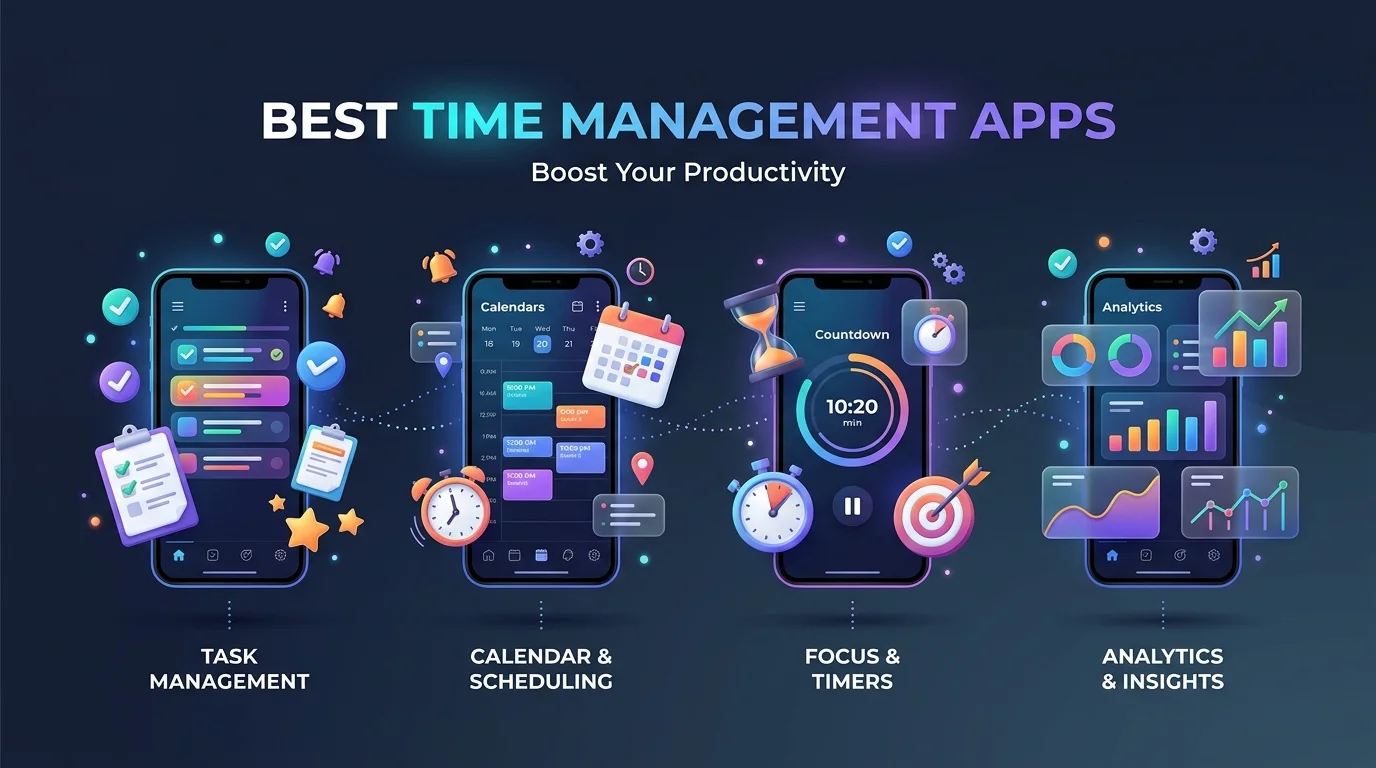
Best Time Blocking and AI Calendar Apps
A to do list says what to do, but never when. That gap is why most people stall. Time blocking fixes it by giving each task a real slot on your calendar, and AI schedulers now automate much of that. Here's how the main options differ.
Reclaim.ai sits on top of your calendar and defends focus time and habits automatically. It's now part of Dropbox.
Motion plans your whole day with AI scheduling. It reportedly rebranded mid 2026 as an "AI Employee SuperApp", so expect it to keep changing.
Sunsama is the calm, manual option. It raised prices in 2026 for the first time in five years.
One warning: Clockwise was reported to shut down on March 27, 2026 after a Salesforce acquisition. Reclaim and Motion are its closest replacements.
Best Time Tracking Apps to See Where Your Hours Go
You can't fix what you can't see. I once "worked all day" and shipped almost nothing. Time tracking exposed why within a week. Pick manual timers if you like control, or automatic time tracking if you'd rather forget about it.
Toggl Track is the easy entry. It offers one click timers and a free plan for up to five users.
Clockify is a popular free option, and reviewers praise it for tracking billable time on a budget.
Rize runs in the background and builds reports without manual input.
Tracking will also show you which sites eat your day. If social media is the culprit, learn how to block distracting websites on Chrome and Android so your focus time stays protected.
How to Set Up Your Time Management System (Step by Step)
Downloading an app does nothing. Setting it up properly does everything. This takes about an hour, and you'll feel the difference by the end of the week. Keep it boring and follow the order.
Pick one problem. Tasks, schedule, or tracking. Not all three yet.
Install one app. Use the free plan for 14 days.
Capture everything. Dump every task and deadline into one inbox. Learning a few keyboard shortcuts on Mac makes capturing much faster.
Prioritize with the Eisenhower Matrix. Sort by urgent versus important.
Block your calendar. Put two or three key tasks into real slots tomorrow.
Review weekly. Spend ten minutes cutting, moving and celebrating.
Dealing with ADHD? Choose apps that reduce decisions rather than add them, like a single daily view with built in timers.
The Catch Nobody Mentions (and How to Beat It)
I'd rather be honest than hype. A Lero study at NUI Galway covered 22 technologies and 520 workers. Apps changed behavior but often didn't improve outcomes, and rigid rhythms raised anxiety for some people.
That's not a reason to quit. It's a reason to fit the tool to you.
So skip the streak chasing. Match your natural energy, and protect long deep work stretches instead of only ticking off tiny tasks. Pair your planner with wellbeing tools too, like the ones in our guide to the best apps for health.
Frequently Asked Questions
What is the best app for time management?
There's no universal best. Todoist or TickTick suit tasks, Reclaim.ai or Sunsama suit calendar planning, and Toggl Track suits tracking. Choose by your biggest problem, not by popularity.
What is the best free time management app?
TickTick, Todoist, Google Calendar and Reclaim.ai all have free plans, according to the sources above. Start free, and upgrade only when you hit a limit.
What is the best time management app for ADHD?
Pick apps that cut decisions: one daily view, built in timers, visible progress. Sunsama's guided morning ritual and Forest's phone blocking are commonly recommended.
Do time management apps actually work?
Sometimes. Lero's research found they often change behavior without improving results. They work best when matched to your personal rhythm.
What is time blocking?
It means assigning each task a specific slot on your calendar. Zapier explains the method and lists free apps for it.
Which App Should You Buy? My Straight Answer
You're busy, so here's the short version of the best time management app choice.
Pick Todoist for a clean list that just works.
Pick TickTick for the most features per dollar.
Pick Reclaim.ai if meetings keep eating your focus blocks.
Pick Sunsama for a mindful daily ritual.
Pick Toggl Track if you need to know where your time goes.
Most offer free tiers or trials, so the risk is tiny and the cost of waiting is real. Choose one today, follow the setup steps, and commit for 14 days.
Written by
Alex
Creative blogger sharing insights, stories, and fresh ideas.