What Is Docker Compose? A Complete Guide (2026)


Docker Compose is a tool that lets you define and run multi-container applications using a single YAML configuration file called a Compose file. Instead of starting each container manually, you run one command, docker compose up, and every service in your app launches together, fully networked and ready to go.
That's the short version. Now let's get into the details, because there's a lot more you'll want to know before you start using it.
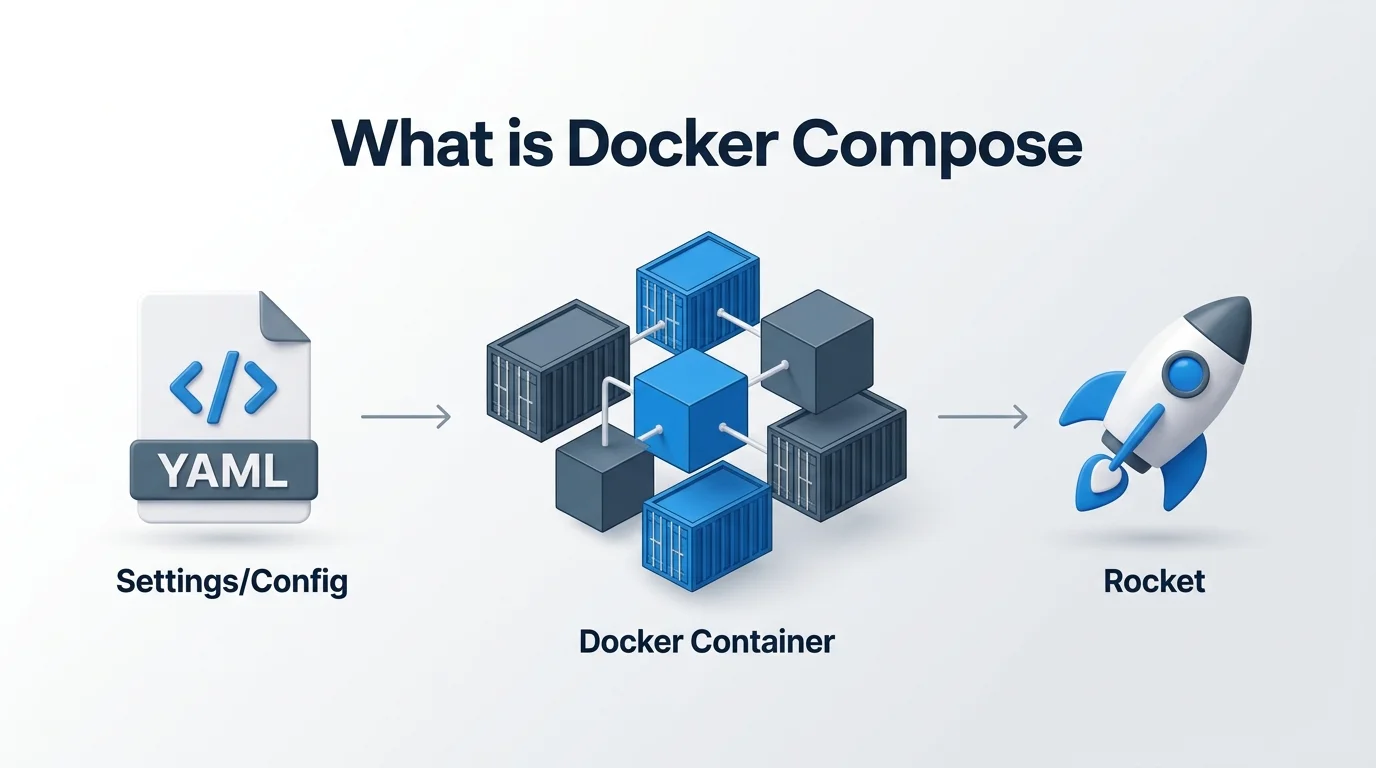
What Is Docker Compose, Really?
Here's the deal. If you've ever worked with Docker, you already know how to spin up a single container. Easy, right? But real-world apps aren't that simple.
Think about it. A typical app might need a web server, a database, a caching layer, and maybe a message queue. Running each of these separately with docker run commands? That's a nightmare waiting to happen.
That's exactly where Docker Compose comes in.
You define your services. You hit one command. Boom, your entire app is running, containers talking to each other over a shared network Compose sets up automatically. If you're still fuzzy on what's actually happening under the hood when a container runs, it helps to understand what a kernel is first, since containers share the host machine's kernel instead of running a full separate OS.
Why Should You Actually Care About Docker Compose?
I get it. Learning a new tool is annoying. But stick with me here, because this part matters.
Without Compose, you'd be manually managing container networking, port mappings, volume mounts, and startup order every single time you want to test your app. That's hours of your life you'll never get back.
With Compose, you get:
One command to start everything (
docker compose up)One command to tear it all down (
docker compose down)A single source of truth for your entire containerized application
Built-in support for a .env file, so secrets and config stay out of your actual Compose file
Restart policies and healthchecks so Compose knows when a service is actually ready, not just running
Way less room for "it works on my machine" problems
And here's the best part: it's declarative. You describe what you want, not how to do it step by step. Tweak your config, run the command again, and Compose figures out what changed and applies it intelligently.
That's not just convenient. That's a genuine productivity unlock.
The Docker Compose File: Your Blueprint
At the heart of every Compose setup is the Compose file, usually named docker-compose.yml or, in the newer standard, compose.yaml. This follows the official Compose Specification, which is the rulebook for how these files should be structured.
What Goes Inside a Compose File?
You'll typically define:
Services: your individual containers (a web app, a database, etc.)
Networks: how your containers talk to each other
Volumes: where your persistent data lives
Environment variables: configuration values your app needs, often pulled from a
.envfiledepends_on: the startup order between services, plus healthcheck conditions
Here's a stripped-down example:
yaml
services:
  web:
    build: .
    ports:
      - "5000:5000"
    volumes:
      - .:/code
    depends_on:
      redis:
        condition: service_healthy
    restart: unless-stopped
  redis:
    image: redis
    healthcheck:
      test: ["CMD", "redis-cli", "ping"]
      interval: 5s
Two services, fully defined, ready to launch with a single command. No guesswork.
Docker Compose vs. Dockerfile: What's the Difference?
I see this mix-up constantly, so let me clear it up with a quick table.
Dockerfile | Docker Compose file | |
|---|---|---|
Purpose | Builds a single container image | Runs one or more containers together |
Format | Custom instruction syntax | YAML |
Scope | One image | Whole application (services, networks, volumes) |
Typical use | "How do I build this?" | "How do these pieces run together?" |
They work as a team. A Compose file will often reference a Dockerfile to actually build the image for a specific service. Think of the Dockerfile as the recipe, and Compose as the dinner party planner making sure every dish shows up at the right time.
A Quick History Lesson (Because Versions Matter)
Quick detour, but it's genuinely useful if you're following older tutorials.
Version | Released | Language | Command | Notes |
|---|---|---|---|---|
Compose v1 | 2014 | Python |
| Uses legacy |
Compose v2 | 2020 | Go |
| CLI plugin, ignores the old |
Compose v5 | 2025 | Go |
| Functionally identical to v2, adds an official Go SDK |
Why does this matter to you? Because if you're working off a tutorial that uses docker-compose with a hyphen, that's Compose v1, and it's outdated. Today, you'll want the modern docker compose syntax, per the current Docker documentation.
Step by Step: How to Get Started With Docker Compose
Ready to actually try this? Let's walk through it together.
Step 1: Install Docker
If you're on Windows or macOS, good news: Docker Desktop already includes Compose. Nothing extra to install.
On Linux, make sure the docker-compose-plugin package is installed through the official Docker repository. And if you're setting this up on a remote Linux server, you'll likely be connecting over SSH, so it's worth brushing up on what an SSH key is if you haven't secured server access that way yet.
Step 2: Write Your Dockerfile
Define how your application's image should be built. This is your foundation.
Step 3: Create Your Compose File
List out your services, your app, your database, your cache, and how they connect.
Step 4: Launch Everything
docker compose upThat's it. Your entire multi-service application spins up, networked and ready to go.
Step 5: Shut It Down When You're Done
docker compose downClean, simple, no leftover mess.
Real World Use Cases You'll Actually Run Into
Say you're building a to-do app with a Node.js backend and a MySQL database. Instead of manually installing MySQL, configuring it, and hoping it connects properly, you write one Compose file, and both services launch together, already talking to each other. Docker's own Awesome Compose repository has dozens of these sample setups if you want to see real examples.
Or maybe you're prototyping a microservices architecture with five different services. Compose lets you spin the whole thing up locally in seconds, a massive time saver during development and testing, and it fits naturally into CI/CD pipelines where you need consistent, repeatable environments every time.
Worth noting: Docker's own developer surveys have consistently found Compose to be one of the most widely used tools among developers already using Docker, precisely because of this local-dev convenience.
Docker Compose vs. Kubernetes: Which One Do You Need?
Docker Compose | Kubernetes | |
|---|---|---|
Best for | Local development, testing, small deployments | Large-scale production orchestration |
Complexity | Low, single YAML file | High, multiple config types |
Scaling | Manual, basic | Automated, self-healing |
Learning curve | Gentle | Steep |
Typical next step | Where most people start | Where you graduate to once you need scale |
Most developers start with Compose, get comfortable with containers, and then move to Kubernetes when their app actually needs that level of complexity.
Frequently Asked Questions
Is Docker Compose free?
Yes. Docker Compose is free and open source, and it's bundled directly into Docker Desktop.
Do I need Docker Desktop to use Compose?
No. On Linux, you can install the docker-compose-plugin package separately without Docker Desktop.
What's the difference between docker-compose and docker compose?
The hyphenated docker-compose is the legacy v1 command (Python based). The space-separated docker compose is the modern v2/v5 command (Go based) and is what you should be using today.
Can Docker Compose replace Kubernetes?
Not for production at scale. Compose is ideal for local development and small deployments; Kubernetes is built for large, self-healing, multi-node production environments.
Does Docker Compose work in production?
It can, for small, single-host deployments. For anything requiring auto-scaling or high availability across multiple servers, Kubernetes is the better fit.
Final Thoughts: Should You Use Docker Compose?
If you're building anything with more than one container, and let's be real, most apps need that, Docker Compose isn't just a nice to have. It's basically essential.
It saves you time. It reduces errors. It makes your development environment reproducible for your entire team.
So here's my honest advice: don't wait until your project gets messy to adopt it. Start with Compose now, while your setup is still simple, and you'll thank yourself later when your app grows.
Give it a shot today: write your first compose.yaml, run docker compose up, and watch your multi-container app come to life in seconds.
Written by
Alex
Creative blogger sharing insights, stories, and fresh ideas.