Portable Monitor for Laptop: 2026 Buying Guide.

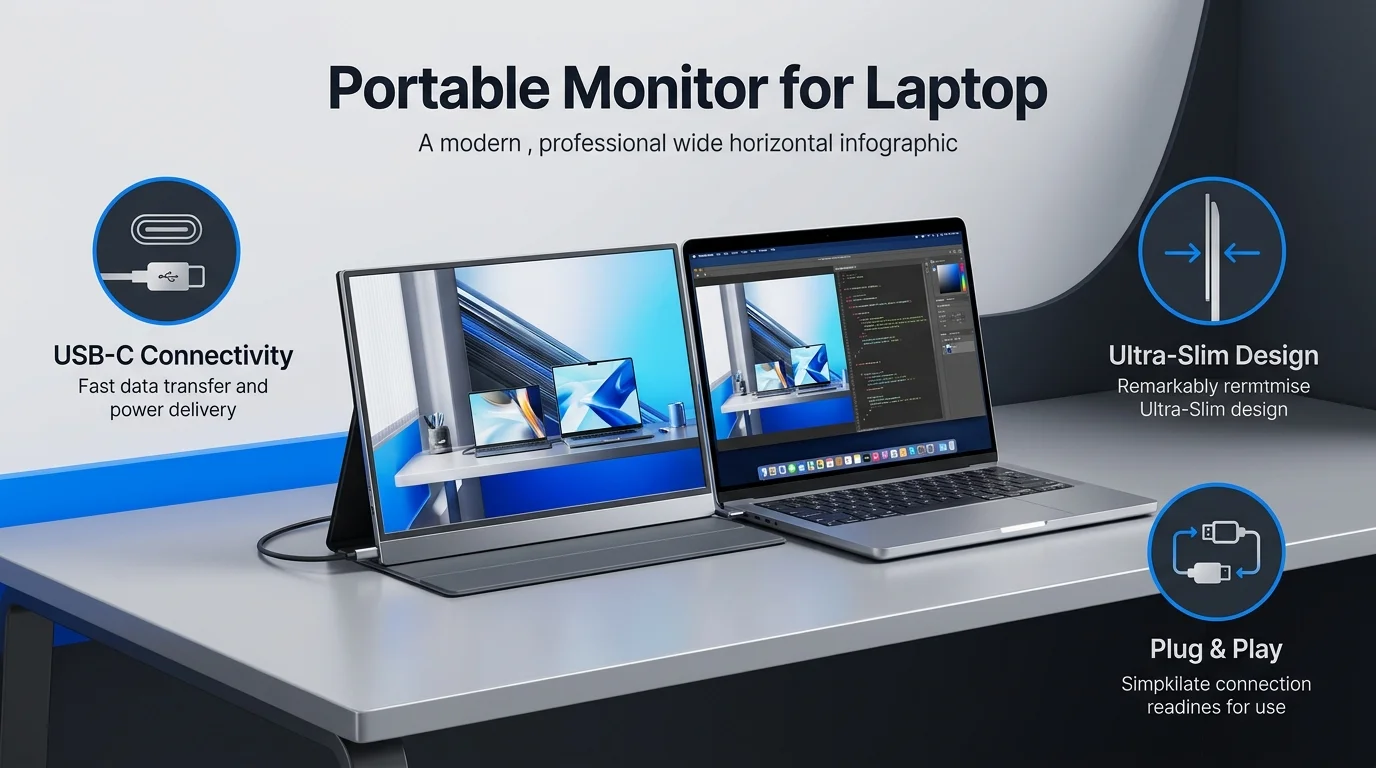
A portable monitor for laptop use is a slim, lightweight second screen that plugs in through USB-C or HDMI. For most people, a 15.6 to 16 inch model with a 2K resolution and DisplayPort Alt Mode is the best choice. Expect to pay about $70 for basic work or about $300 for a bright, touch capable display.
Why You Need a Portable Monitor for Laptop Work
Let me be straight with you.
Your laptop screen is holding you back. You flip between windows all day, and your neck pays for it. A portable second screen fixes that in about a minute.
You get more screen real estate. You also get better ergonomics and smoother multitasking, whether you're at a cafe, a hotel or your kitchen table.
Prices are wide open too. Tom's Hardware says they run from roughly $50 to well over $700, with sizes from 10.5 inches up past 18 inches.
Already juggling windows on a small screen? Our guide to split screen on a Chromebook shows a free way to multitask before you buy anything.
So which monitor should you pick? Let's walk through it.
How to Choose a Portable Monitor in 5 Steps
Buying blind is the fastest route to a black screen and a return label.
So follow these steps in order. Each one takes minutes, and together they'll save you real money.
Step 1: Confirm Your Laptop Supports DisplayPort Alt Mode
Start here, because this is where most people get burned.
USB-C is only a connector shape. DisplayPort Alt Mode is the feature that actually sends video through it.
Check your laptop's official spec sheet for the exact model. Don't guess from the port shape. Thunderbolt and USB4 ports work too.
Then check your cable. A charging only cable won't carry video. Look for labels like "DP Alt Mode," "USB4" or "Thunderbolt 3/4."
No Alt Mode on your laptop? Choose a monitor with HDMI or DisplayLink support instead.
Step 2: Choose Between IPS and OLED
Next, pick your panel. RTINGS breaks down the difference well.
OLED: deeper blacks, better contrast, faster motion. It carries a small burn in risk.
IPS: brighter, and no burn in risk. It's better in bright rooms.
PCWorld's testing found OLED portables perform significantly better on color and contrast than cheaper IPS panels.
Working in sunny spaces? Go IPS. Watching video or editing photos? Consider OLED.
Step 3: Match Size, Weight and Resolution
Size is a trade off between carrying comfort and daily comfort.
A 15.6 inch screen is the sweet spot for most people. Many weigh about 1.5 to 2 pounds.
A 16:10 aspect ratio gives you extra vertical room for documents. A 2K or 4K panel makes text look sharper, because more pixels are packed into the same space. If you want the basics, read what a pixel is and how it affects sharpness.
One limit worth knowing: 4K at 60Hz is the practical ceiling over standard USB-C DP Alt Mode, according to Computer Compatibility. Don't expect 4K at 120Hz through a basic cable.
Step 4: Check Ports, Kickstand and Power
Small details matter a lot here.
Most models have two USB-C ports. Some add mini HDMI. Tom's Hardware notes that a good built in kickstand usually beats a flimsy folding cover.
Battery models exist, but PCWorld says they cost more and add weight. A cheap power bank often does the same job.
Step 5: Set a Realistic Budget
Now decide what you'll spend.
Under $100: fine for email, docs and browsing.
Around $300: better color, brightness and touch support.
$600 and up: premium build quality, 4K sharpness and polish.
Spend where you'll notice it. For most people, that's brightness and resolution.
Best Portable Monitors for Laptops: Comparison Table
Here's how my top picks stack up. Specs and prices come from the reviews linked below, as listed in September 2026. Prices change often, so check before you buy.
Model | Best for | Size / Resolution | Panel | Brightness (tested) | Weight | Approx. price |
|---|---|---|---|---|---|---|
ViewSonic TD1656-2K | Best overall | 16" / 2560x1600 | IPS | 363 nits | 1.8 lb (no stand) | $299.99 |
Arzopa A1 | Best budget | 15.6" / 1080p | IPS | 228 nits | Not listed | $70 to $80 |
MSI PRO MP165 E6 | Budget alternative | 15.6" / 1080p | IPS | 328 nits | Not listed | $94.99 |
Espresso Displays 15 Pro | Best premium | 15.6" / 4K | IPS | Not listed | Not listed | $699 |
ViewSonic VG1656N | Best wireless | 16" / 1920x1200 | IPS | 250 nits | 1.9 lb (no stand) | $299 |
JSAUX FlipGo Horizon Pro | Best dual screen | 2x 15.6" / 1080p | IPS | Not listed | 6 lb | $499 list |
Nexigo NG17FGQ | Best for gaming | 17.3" / 1080p, 300Hz | IPS | 300 nits (rated) | 2.1 lb | About $150 |
My Top Picks, Explained
I don't pick products lazily. Every recommendation below comes from independent testing.
Best Overall: ViewSonic TD1656-2K
If you want one answer, here it is.
The TD1656-2K has a 16 inch 2560x1600 IPS panel. It topped its rivals in brightness at 363 nits.
It supports multi touch in Windows 11, and in macOS through ViewSonic's software. A stylus comes in the box.
The one downside is no HDMI. Your laptop needs USB-C video output. For most people, that's a fair trade.
Best Budget: Arzopa A1
Tight on cash? No problem.
The Arzopa A1 costs roughly $70 to $80 and still earns a Tom's Hardware pick. You get two USB-C ports, mini HDMI, a built in kickstand and surprisingly good speakers.
Color and brightness (228 nits) trail pricier models. For spreadsheets and browsing, though, it's a bargain.
Want a bit more brightness for about $95? The MSI PRO MP165 E6 measured 328 nits in PCWorld's tests. Its color coverage is limited, so skip it for photo work.
Best Premium: Espresso Displays 15 Pro
Want the best of the best?
RTINGS names the espresso Pro 15 the best portable monitor it has tested. Tom's Hardware praises its 4K IPS panel, magnetic stand and touch support on Windows and macOS.
At $699 it's expensive. If you work on your laptop every day, especially a MacBook, it earns its place.
Best OLED: ViewSonic VX1655 4K OLED
Prefer OLED? TechRepublic calls this model the premium option. It has a 15.6 inch 4K OLED panel and weighs about 1.5 pounds.
Best for Touch and Pen: Lenovo ThinkVision M14t Gen 2
Need to annotate or sketch? This 14 inch model has a 2240x1400 display, 10 point touch and pen support. It weighs about 1.5 pounds.
Best Wireless: ViewSonic VG1656N
Cables driving you nuts? The VG1656N has a built in battery. It also casts wirelessly through an optional USB-C dongle, and it shows up as an AirPlay display on Apple devices.
Best Dual Screen: JSAUX FlipGo Horizon Pro
Need two extra screens? The FlipGo Horizon Pro stacks or folds book style. It also has a built in hub with USB-A and Gigabit Ethernet ports.
It's heavy at 6 pounds, and Tom's Hardware calls its display quality average. It's for people who value screen count over weight.
Complete Your Mobile Workspace
A second screen is only part of a good travel setup. A comfortable keyboard makes a big difference too, and our Logitech MX Keys S review covers a popular option.
Also, laptops driving an extra display work harder. Keep yours cool by following our steps to clean your laptop fan.
Portable Monitor with a MacBook or Windows Laptop
Good news: most portable monitors work with both.
On a Mac, check your chip first. Base M1, M2 and M3 Macs support only one external display, according to Plugable. If you want more, look at monitors with DisplayLink support.
On Windows, touch works natively in Windows 11. On a Mac, touch often needs the maker's software.
Portable Monitor vs iPad as a Second Screen
Already own an iPad? You might not need to buy anything.
Tom's Hardware confirms an iPad can work as a second screen with a supported Mac through Sidecar. Windows users can try apps like Duet Display.
Still, a dedicated portable monitor is usually larger, wired for stable video and cheaper than buying a tablet.
Who Should Skip a Portable Monitor?
I want you to trust this guide, so let me be honest.
Skip it if your laptop has no video capable port and you won't buy an adapter. Skip it if you need a large screen all day, because a full size desktop monitor will feel better on a permanent desk.
For everyone else, it's a smart buy.
Common Mistakes to Avoid
Skipping compatibility checks. Not every USB-C port outputs video.
Using the wrong cable. Charge only cables fail.
Paying for specs you won't use. You don't need 300Hz for Google Docs.
Ignoring brightness. A dim screen is hard to use near a window.
Frequently Asked Questions
What is a portable monitor for a laptop?
It's a thin, lightweight external display that connects to your laptop by USB-C or HDMI. It gives you a second screen wherever you work.
Do portable monitors work with any laptop?
No. Your laptop needs a video capable USB-C port (DisplayPort Alt Mode, Thunderbolt or USB4) or an HDMI output. Check your laptop's official spec sheet.
What size portable monitor is best?
For most people, 15.6 to 16 inches. That size balances readability and weight.
Do portable monitors need a separate power supply?
Usually not. Most draw power over USB-C from your laptop or a wall charger. Some models with built in batteries can run without a plug.
Is OLED worth it for a portable monitor?
If you watch video or edit photos, yes. Testing shows OLED beats cheaper IPS on contrast and color. For office work in bright rooms, IPS is often enough.
Can I game on a portable monitor?
Yes. Most run at 60Hz, but 120Hz, 144Hz and even 300Hz models exist. The Nexigo NG17FGQ reaches 300Hz over USB-C and 240Hz over HDMI.
How much should I spend?
About $70 to $100 for basic use, about $300 for a bright, touch capable model, and $600 or more for premium 4K.
Final Verdict: Buy One and Work Smarter
So, should you buy a portable monitor for laptop use?
Yes, if your laptop can output video and you want more space on the go. It's light, it's affordable, and it changes how you work almost immediately.
My advice: pick the ViewSonic TD1656-2K for the best balance, the Arzopa A1 if you're testing the waters, or the Espresso 15 Pro if you want the best. Check your USB-C port first, buy the right cable, and you'll wonder how you managed with one screen.
Ready to upgrade your workspace? Grab yours today.
Written by
Alex
Creative blogger sharing insights, stories, and fresh ideas.